
 1 / 7 1 / 7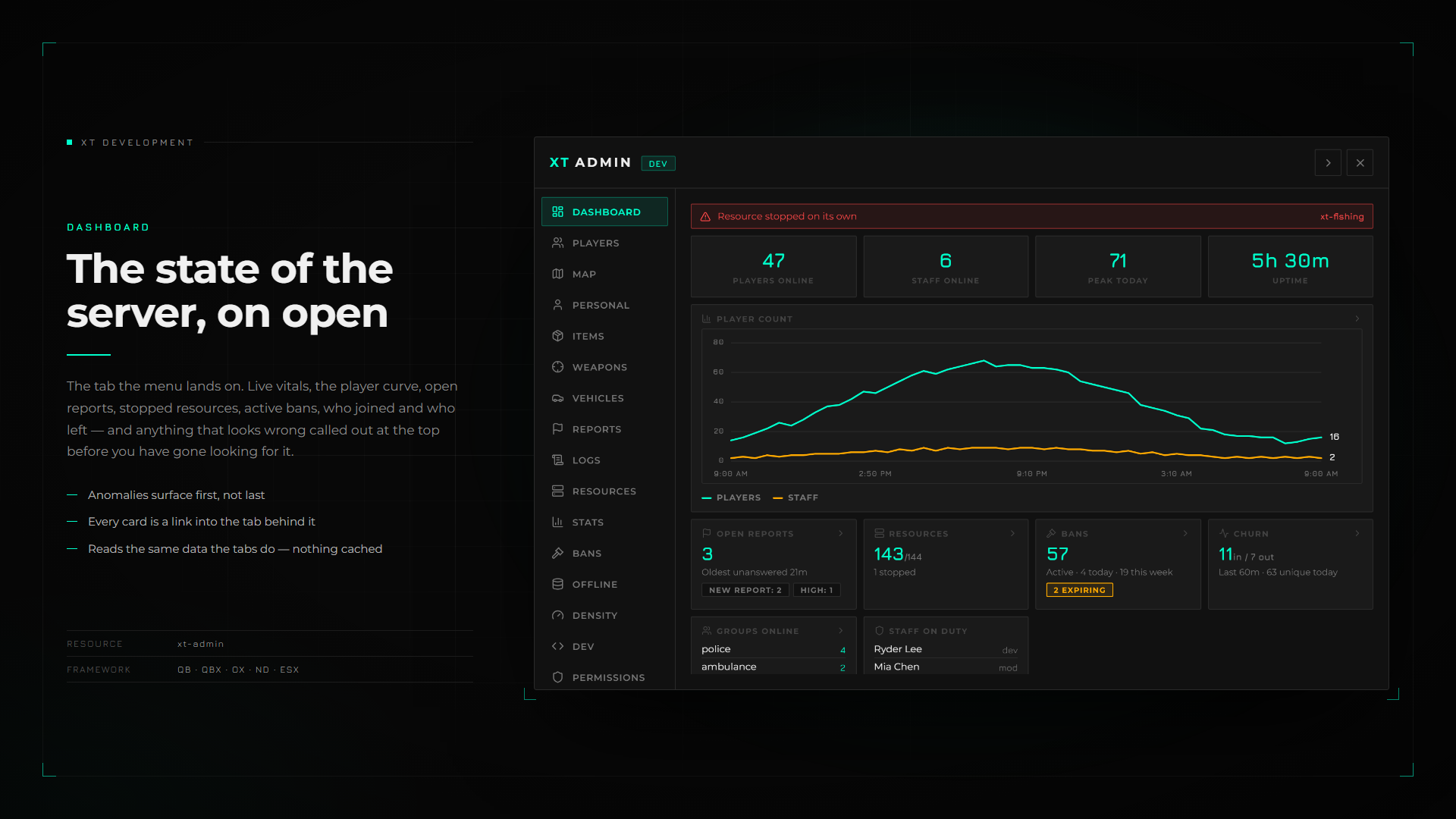
Frameworks
QBX QB ESX OX ND



Dependencies 7 required
Overview
What this resource does
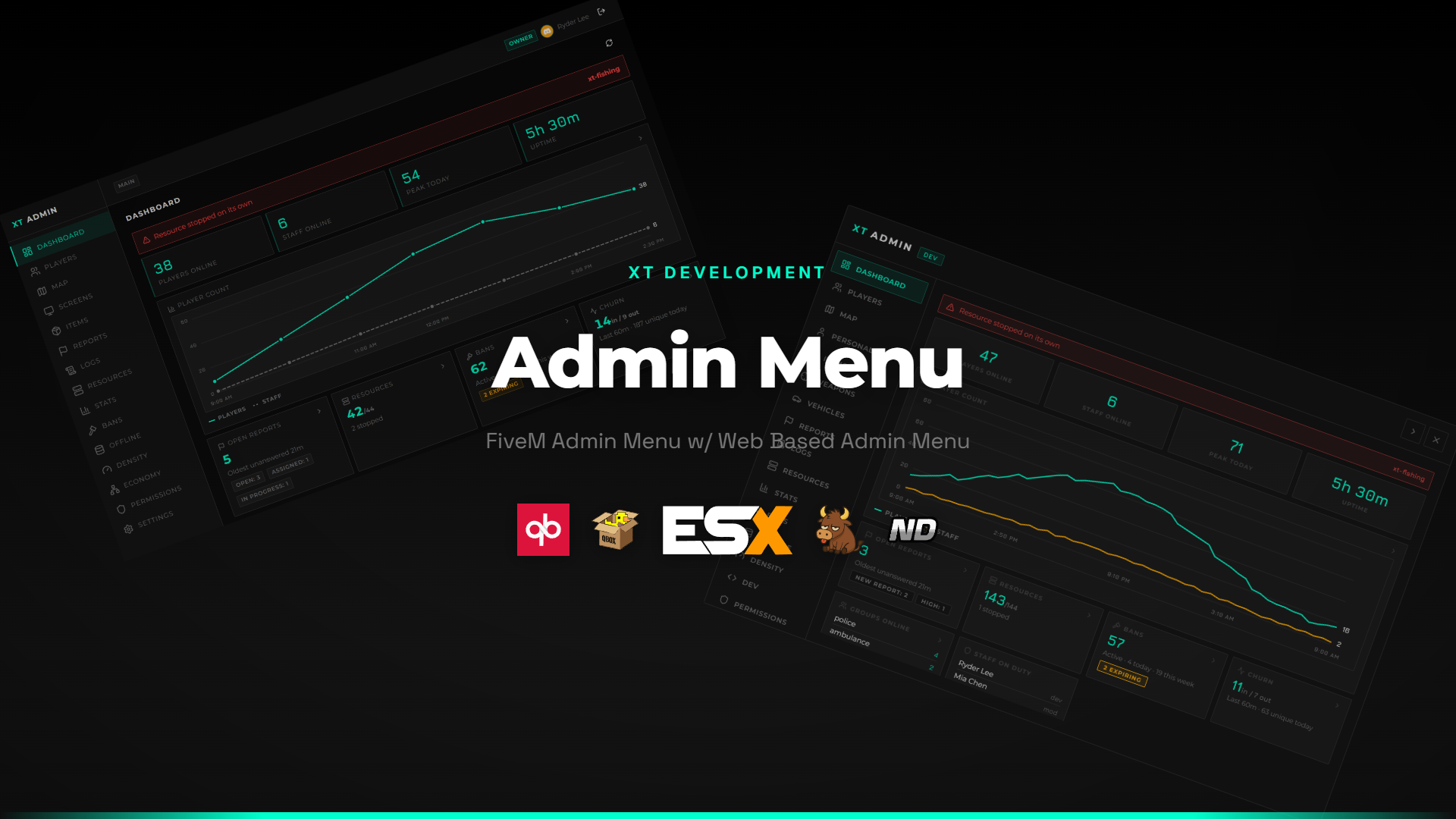
A framework-agnostic admin menu for FiveM with a custom NUI and web portal.
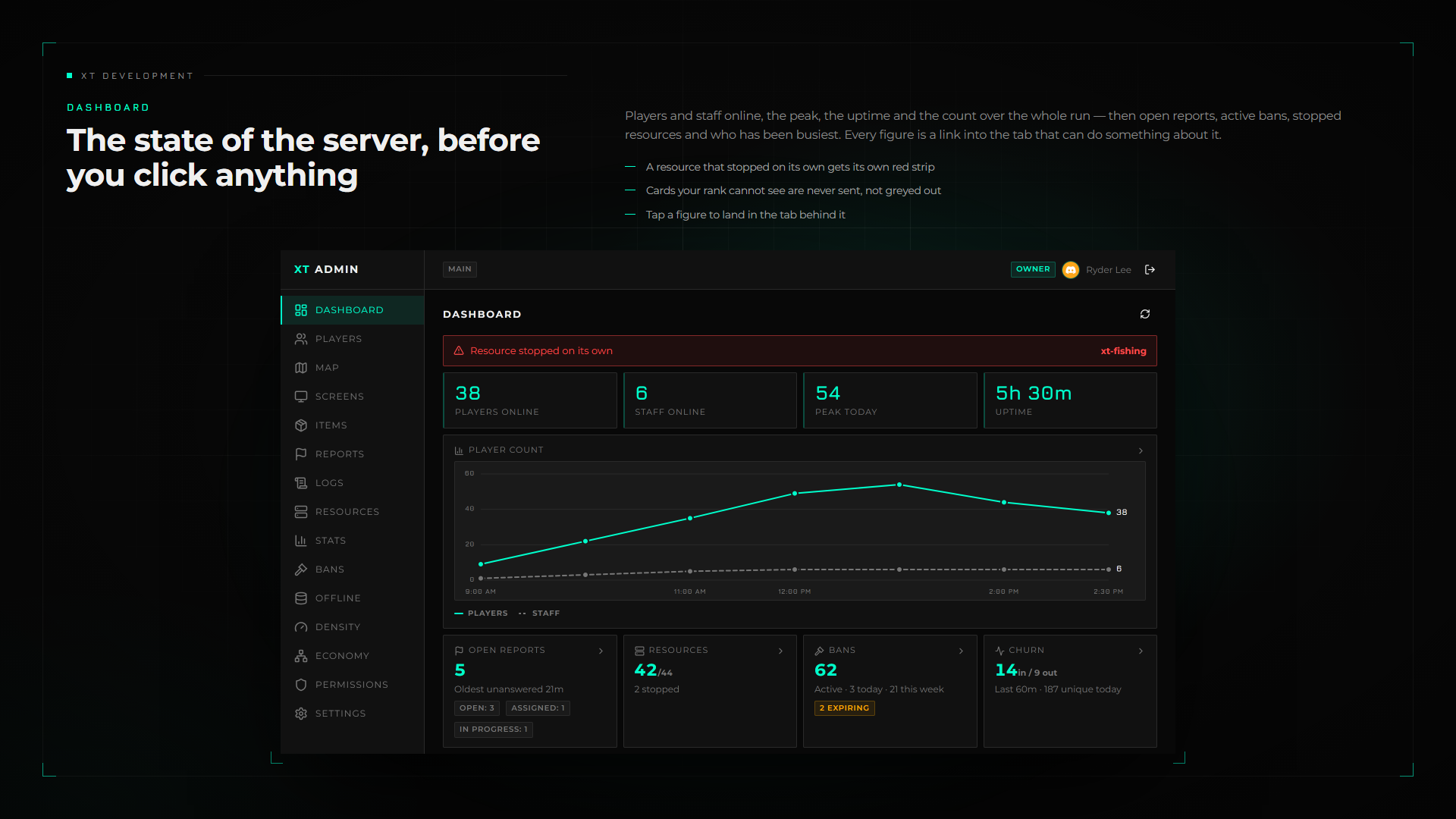
Covers players, self, vehicles, items, resources, bans, reports, world density, and live stats,
with logs, bans, and permissions that survive restarts.
The panel docks to the edge of the screen so it stays usable while you keep playing.
Includes xt-adminportal, the companion web portal that puts the same menu in a browser -
same ranks, same actions, same audit trail - behind Discord sign-in and two-factor.
Features
Features Overview
Complete Admin Toolkit
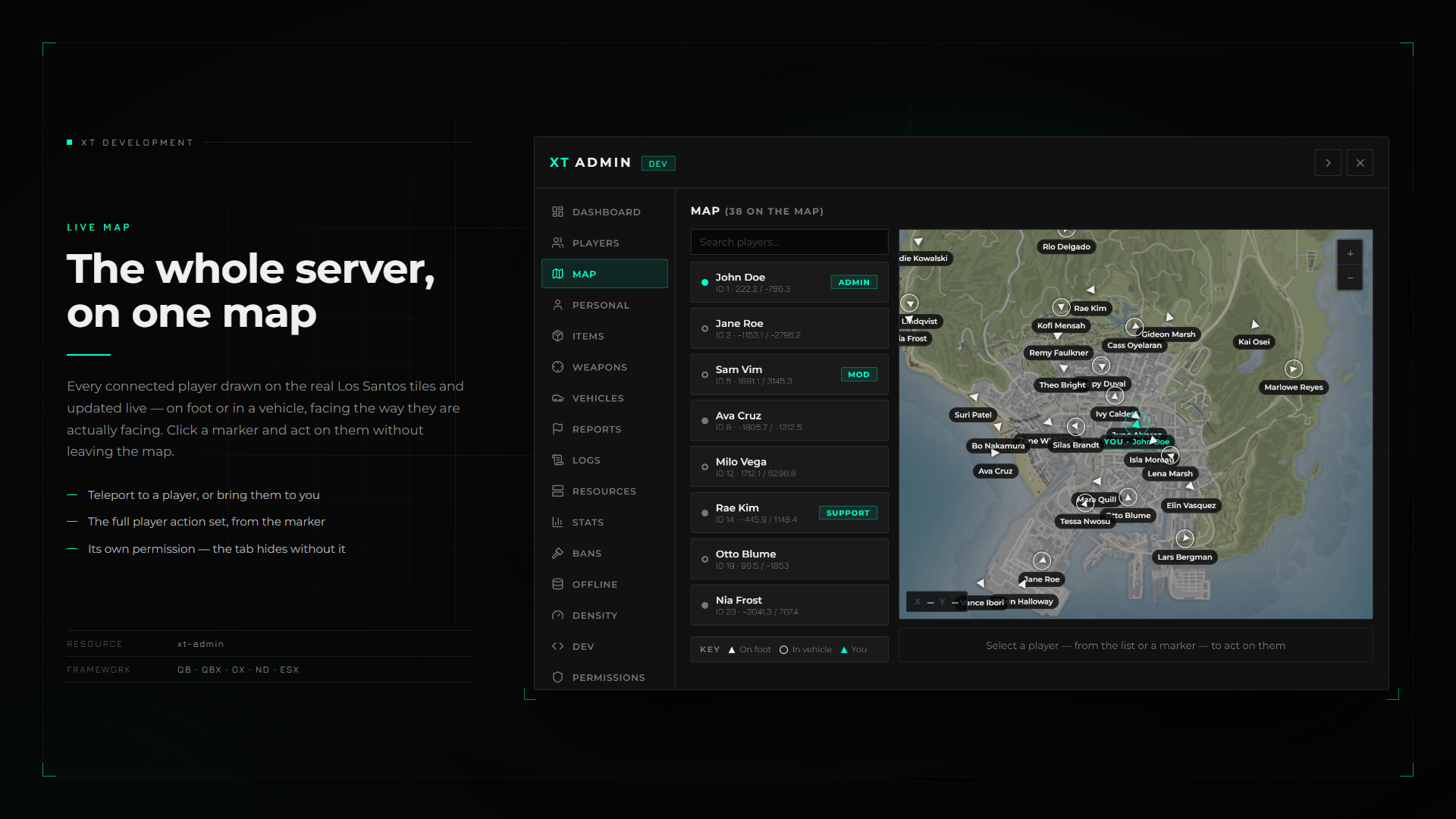
Players, personal toggles, vehicles, items and weapons, resources, live stats, bans, offline players, and dev tools in one menu.
Fail-Closed Permissions
A rank hierarchy resolved from ACE, the database, and config. Unknown or unmapped action keys are denied, and every blocked attempt is logged.
Config-Driven Action Registry
Declare an action in configs/actions.lua and it appears in the UI already permission-gated and logged, with no other code changes.
Live Permission Editor
Change the rank required by any action and assign ranks to players in-game. Overrides persist to the database.
Persistent Audit Log
Every action, blocked attempt, report, and ban is written to the database and readable from a searchable Logs tab, with a Discord webhook and exports to route logs into your own system.
Bans, Reports & Offline Players
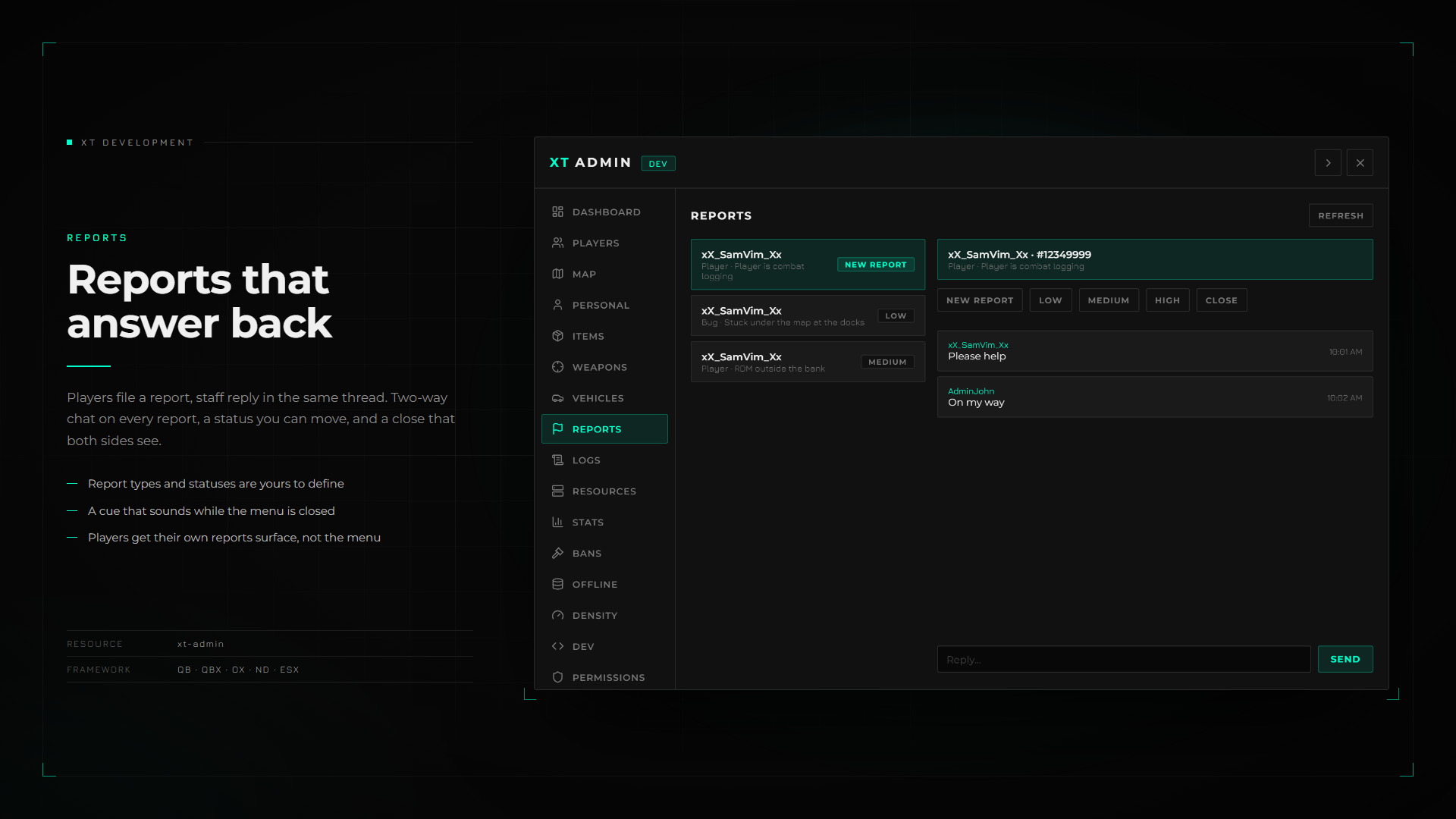
Ban with duration presets and revoke live, run a two-way report chat with statuses, and search offline players to ban or assign ranks.
Player Needs Panel
Read and change the needs of a selected player live. Config hooks own what a need is, and any key they return renders as a labelled, ranged slider automatically.
Server Density Control
Server-wide ambient population levers for traffic, parked cars, pedestrians, and scenario peds, with presets and a kill switch. Replicated to every client and persisted across restarts.
Dockable NUI
Dock the panel to the screen edge and keep moving while it stays open, handing the mouse between the panel and the camera on a keybind.
Live Screen Viewing
Watch the screen of a selected player or take a silent one-off screenshot through screencapture, either as polled snapshots or as real 30fps video once its live endpoint is configured.
Fully Localizable
Every label, log line, and detail string comes from ox_lib locales, so translating the menu and the audit trail is a locale file, not a code change.
Web Portal Included
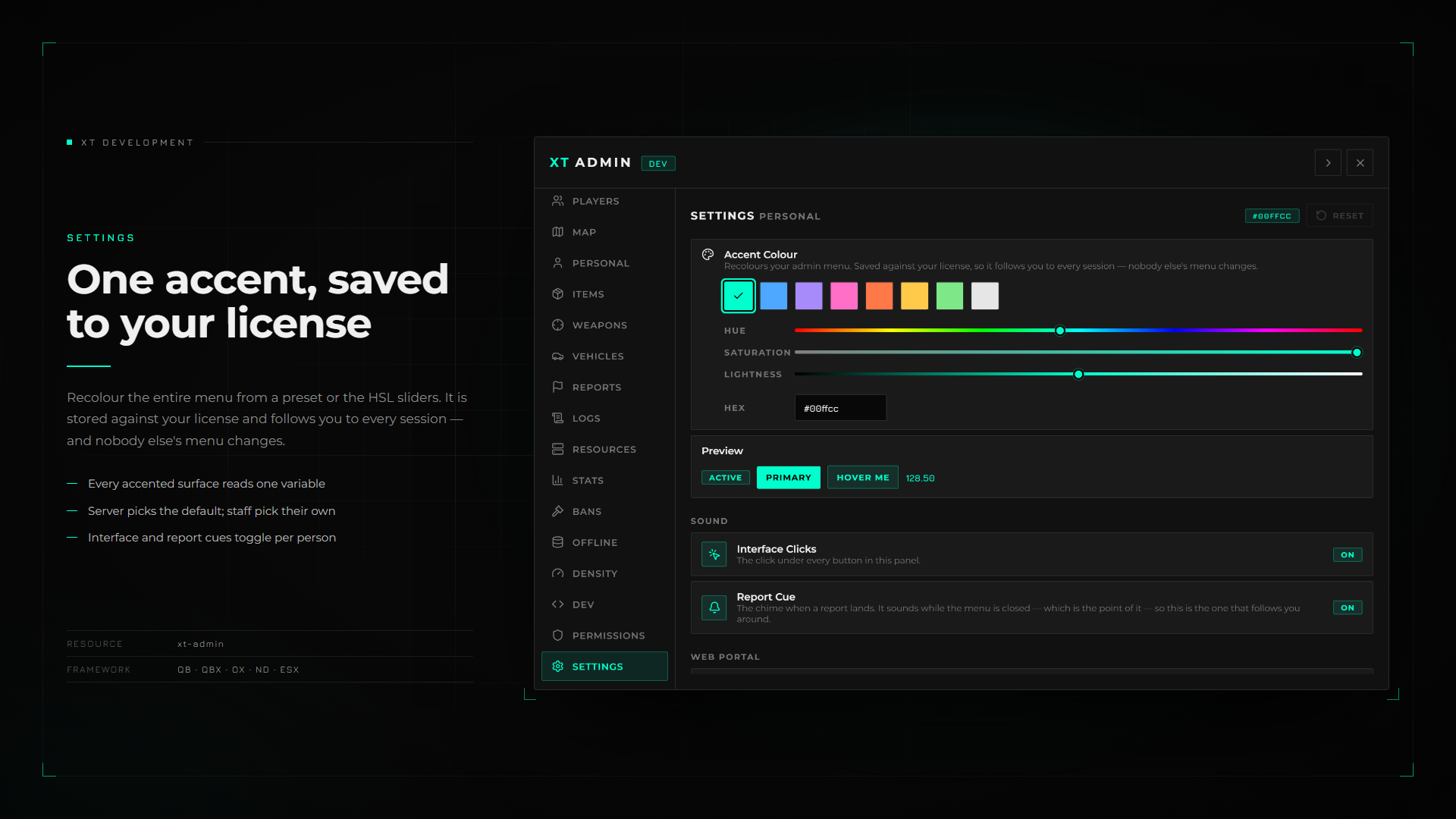
xt-adminportal ships in this package: run the same menu from a browser, on any device, behind Discord sign-in and two-factor. Ranks are re-resolved by the menu on every request, so a demoted admin loses the portal on their next click, and each log row records which surface it came from. Live sessions are listed and revoked from the in-game Settings tab.
Requirements
Dependencies
These must be installed and running before you start the resource.
- OneSyncMust be enabled on the server.
- Optional - unlocks View Screen and Screenshot. Without it those two actions are refused and the console says so at start-up.
- A domain and a free Cloudflare accountOnly for the included web portal - Discord will only redirect to https, and a free Cloudflare tunnel supplies the hostname and the certificate. A Discord application is needed too. The in-game menu requires none of this.
Ready to drop it in?
One-time purchase, lifetime updates, and support in our Discord.